



#1 at
MacDroid
Connect Android to Mac without any barriers



| MacDroidregular support and updates | Android File Transfernot supported since May 2024 | |
|---|---|---|
| MTP mode | ||
| ADB mode | ||
| Wi-Fi mode | ||
| Finder integration | ||
| Folder transfer | ||
| File transfer | ||
| Media transfer | ||
| On-the-phone file edit | ||
| Single Mac app | ||
| Device compatibility | Full | Connectivity issues |
|
Download |

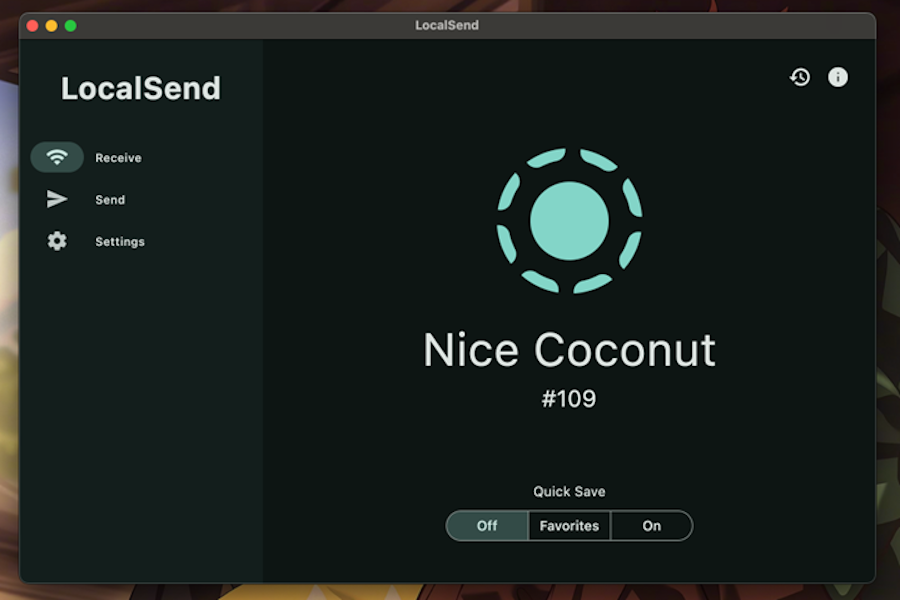
Moving files between devices should be simple. In reality, it often turns into a strange mix of cloud uploads, email attachments, USB cables, AirDrop limitations, and messaging apps that compress your files. That is why LocalSend has become popular: it gives users a free, open-source way to send files between nearby devices over the same […]
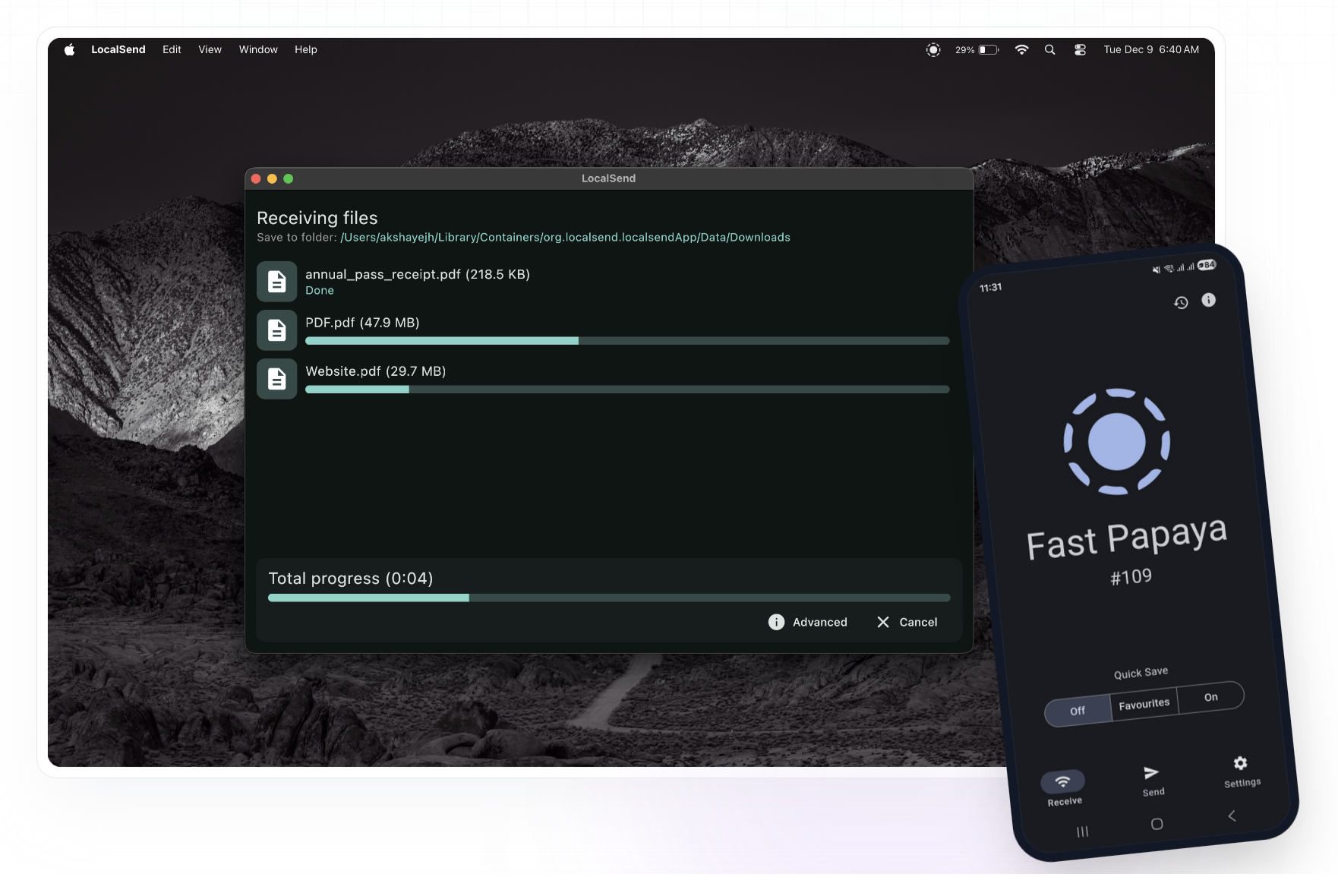
Transferring files between Android and Mac should be simple: connect, choose the files, move them, and get back to work. In practice, many users end up testing wireless tools, browser-based services, cloud uploads, and old utilities before finding a stable workflow. LocalSend is a popular open-source file-sharing app, and for many quick transfers it works […]
Moving files between a Nothing Phone and a Mac should be simple. Both devices use USB-C, both are modern, and both handle photos, videos, PDFs, and downloads every day. But the moment you connect your Nothing Phone to macOS, you may notice the problem: Finder does not automatically show Android storage the way it does […]